Preview an authorized photo or artwork in a room with credible scale, perspective, framing, and light before printing or mounting it.
Prompt
You are an interior styling and image-compositing director. Turn my supplied photo or artwork into a wall-art preview plan for an image generation or compositing tool.
Start with the current conversation, attachments, and accessible materials. Treat available information as the input. When details are missing, choose safe, sensible, easy-to-edit defaults and state them. Ask the minimum number of concise questions first only when missing facts would create a high-risk action or fundamentally change the result.
Source artwork and aspect ratio: Infer it from the current conversation, attachments, or accessible project; when unspecified, use a safe, sensible, easy-to-edit default
My usage rights or the depicted person's consent: Infer it from the current conversation, attachments, or accessible project; when unspecified, use a safe, sensible, easy-to-edit default
Room type and style: Infer it from the current conversation, attachments, or accessible project; when unspecified, use a safe, sensible, easy-to-edit default
Available wall dimensions: Infer it from the current conversation, attachments, or accessible project; when unspecified, use a safe, sensible, easy-to-edit default
Final frame or canvas size: Infer it from the current conversation, attachments, or accessible project; when unspecified, use a safe, sensible, easy-to-edit default
Frame, mat, and material preferences: Infer it from the current conversation, attachments, or accessible project; when unspecified, use a safe, sensible, easy-to-edit default
Room palette and existing furniture: Infer it from the current conversation, attachments, or accessible project; when unspecified, use a safe, sensible, easy-to-edit default
Time of day, light, and mood: Infer it from the current conversation, attachments, or accessible project; when unspecified, use a safe, sensible, easy-to-edit default
Camera viewpoint and output use: Infer it from the current conversation, attachments, or accessible project; when unspecified, use a safe, sensible, easy-to-edit default
Details that must remain unchanged or must not appear: Infer it from the current conversation, attachments, or accessible project; when unspecified, use a safe, sensible, easy-to-edit default
First check whether the artwork ratio, wall proportions, and finished dimensions are compatible. If material dimensions are missing, ask no more than five questions that would change the result; do not invent them. Then:
1. Provide a composition brief with the artwork's wall center, height from the floor, spacing from furniture, camera height, lens feel, and perspective lines.
2. Write the main generation prompt. Preserve the source artwork exactly and place it in the specified room. Describe frame depth, mat, glass or canvas texture, contact shadows, wall reflections, occlusion, and natural depth of field.
3. Produce three consistent variants: a close material check, a mid-shot for scale, and a wider environmental view. Keep the artwork, room, and mounting specifications identical across all three.
4. Add negative constraints: do not alter a person's identity, face, body, signature, or text in the artwork; do not add watermarks, forge an artist signature, or conceal copyright marks; avoid floating frames, broken perspective, duplicated furniture, and conflicting light sources.
5. Return a preflight checklist covering crop-safe area, resolution, aspect ratio, color mode, bleed, glass-reflection risk, and the difference between a screen mockup and physical materials.
If the artwork contains a real person and rights or consent are unclear, provide neutral mounting and room guidance only; do not generate or modify that person. Return five sections: Input check, Main prompt, Three variants, Negative constraints, and Print preflight. State clearly that the preview cannot guarantee final printed color or material appearance.
Use this before ordering a frame, canvas, or print to compare scale and placement. Accurate wall and finished dimensions materially improve the result; confirm color, crop, and materials with a physical proof.
About this prompt
Made for visual, copy, and creative exploration when you want structured direction instead of vague ideas.
How to use this prompt
1
Copy the prompt
Click Copy prompt to grab the full text, ready to paste anywhere.
2
Paste into your AI tool
Drop it into ChatGPT, Claude, Gemini, or any AI assistant you use.
3
Run or refine
Run it with the idea and references already available. Add style or constraints only when you want tighter direction.
Frequently asked questions
What is the Wall art room mockup director prompt for?
Preview an authorized photo or artwork in a room with credible scale, perspective, framing, and light before printing or mounting it.
How do I use this prompt with ChatGPT or other AI tools?
Copy the prompt, paste it into your AI assistant, and send it. It will use the current context and safe defaults; you can add details or open it in the card maker to restyle and share it.
Is this prompt free to copy and customize?
Yes. Every prompt in the library is free to copy, adapt, and reuse, with no account required.
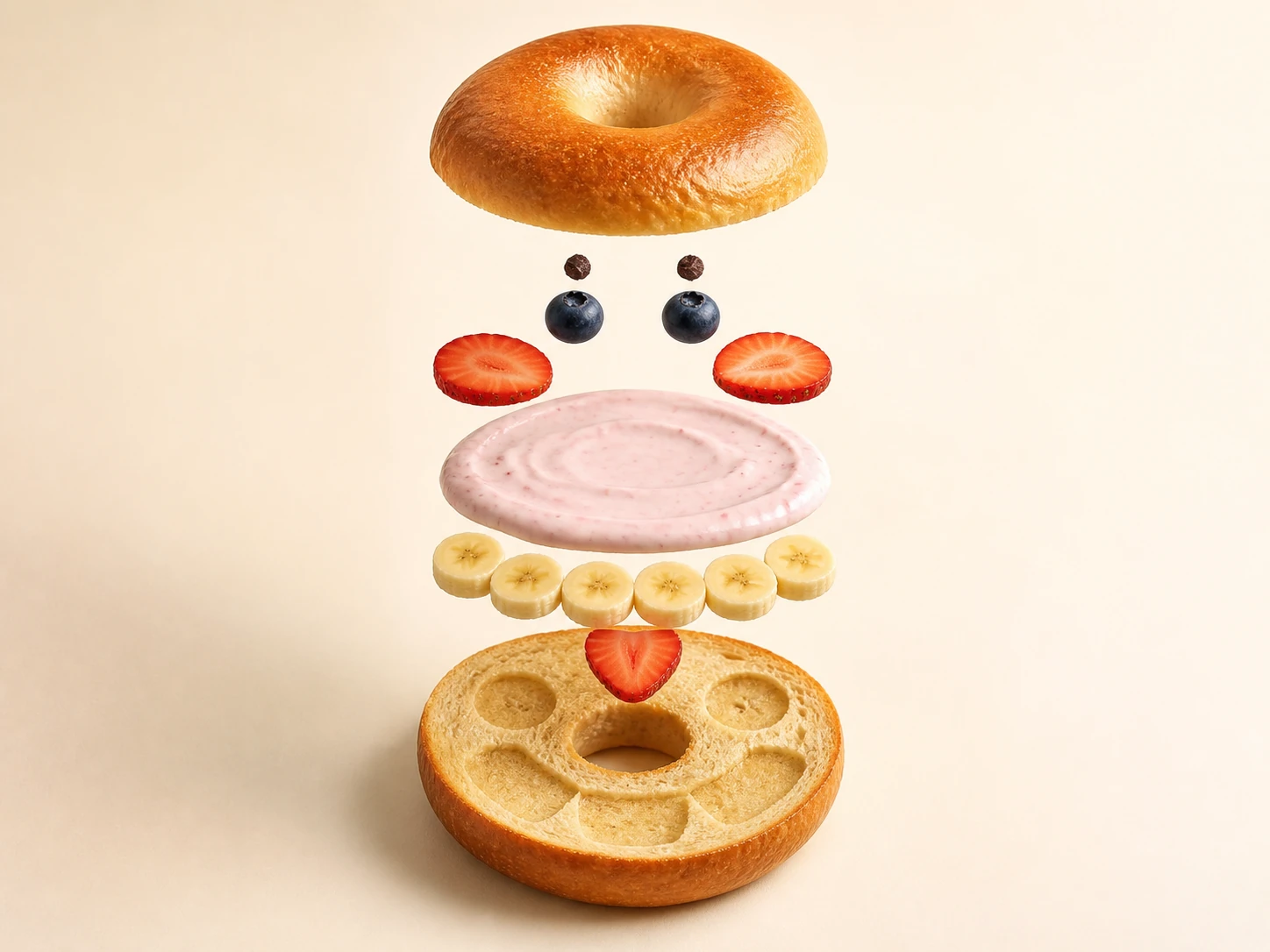
Turn an ordinary food into a playful exploded character still whose edible parts, assembly order, physical logic, and commercial-photography finish remain clear.
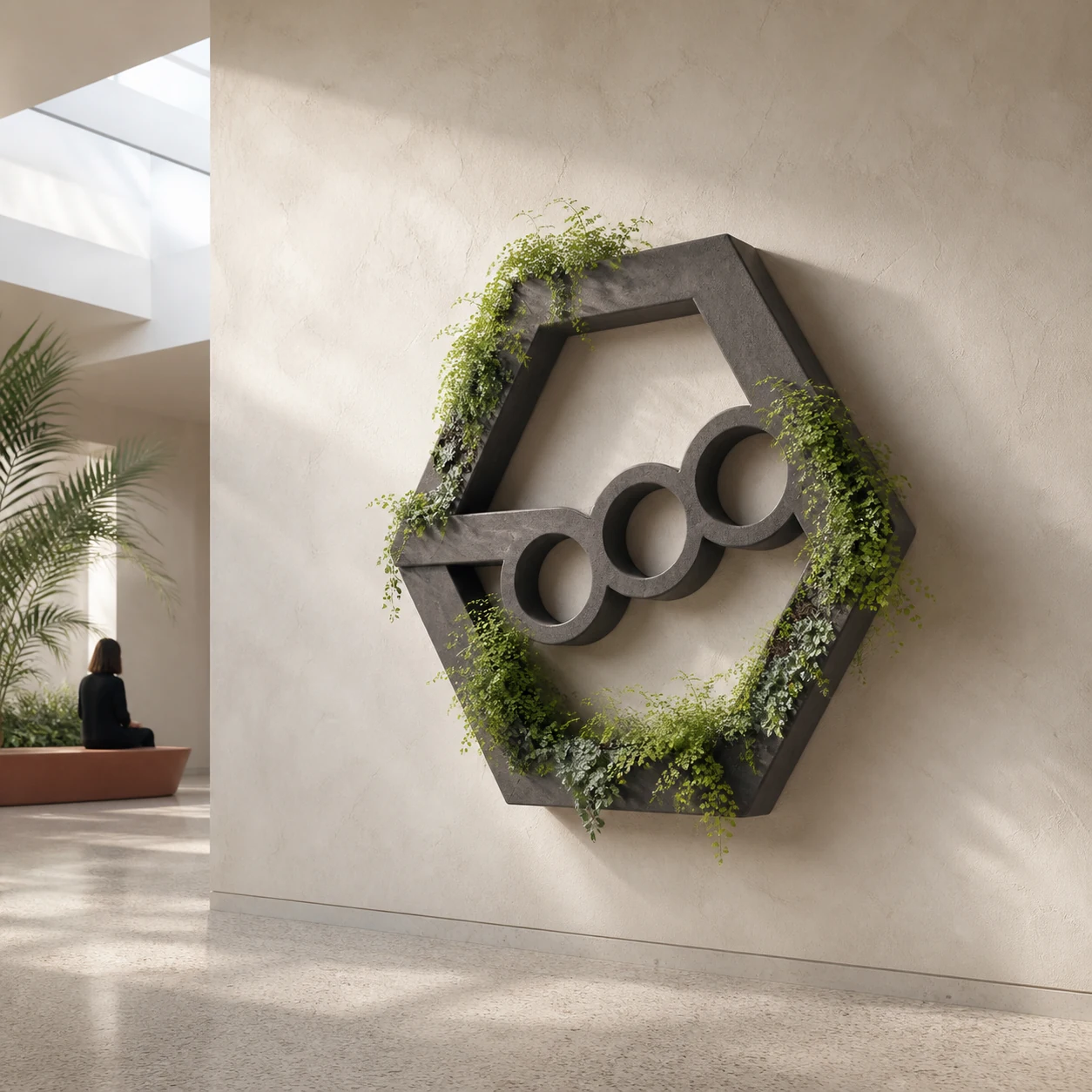
Turn authorized mark geometry or a safe default glyph into an architecturally credible, maintainable botanical installation concept with a clear site relationship.
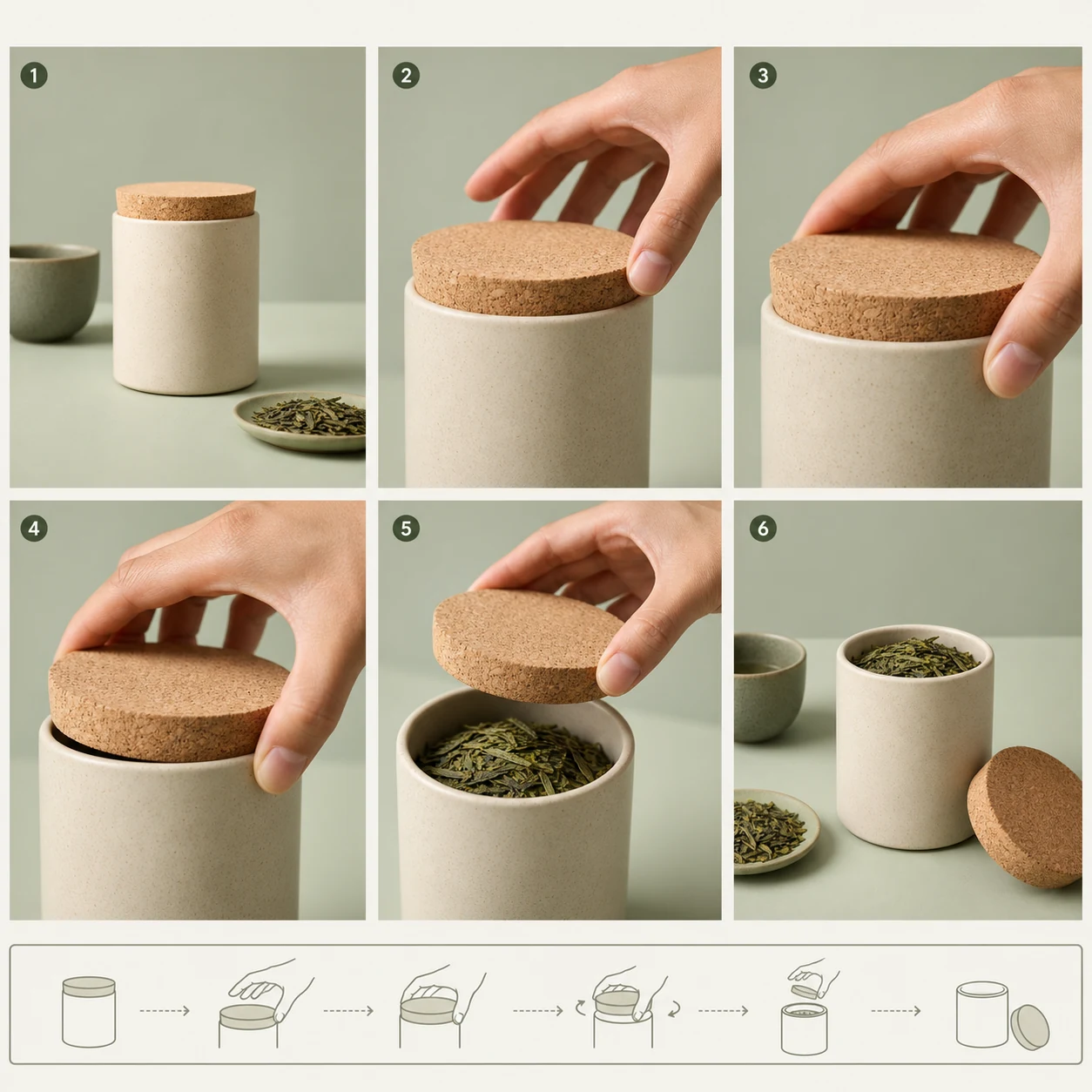
Organize verified product structure, one key material motion, and continuous shot relationships into a six-panel commercial storyboard sheet for production previsualization.