Why this prompt is useful
Use this when a miniature scene accumulates attractive detail but its facilities do not read as a working place. Define the resource loop and two circulation paths precisely, then review load paths, connections, drainage, scale, and rights after generation.
Complete image prompt
Paste this prompt as-is. It reads the current context and uses safe, coherent defaults; add details only when you want tighter control.
3 generated reference examples
These examples show possible visual outcomes and useful comparison points. Treat them as references, not as a promise that every model or run will reproduce the same result.
 Generated example
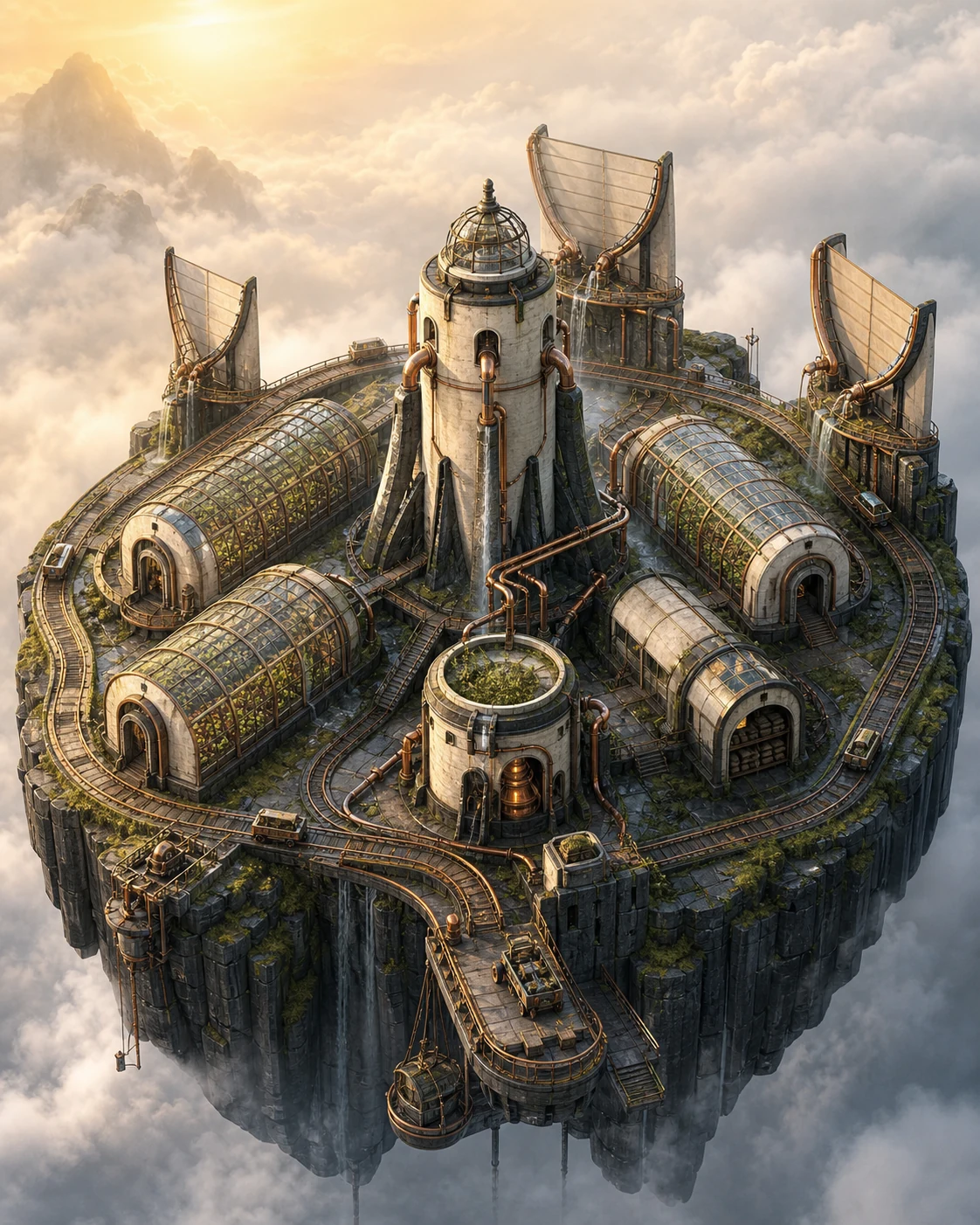
Cloudwell seed archive
Validates that fog collectors, the filtration tower, three conservatories, heat recovery, and the rail loop remain a legible water-and-heat system in morning mist.
View full image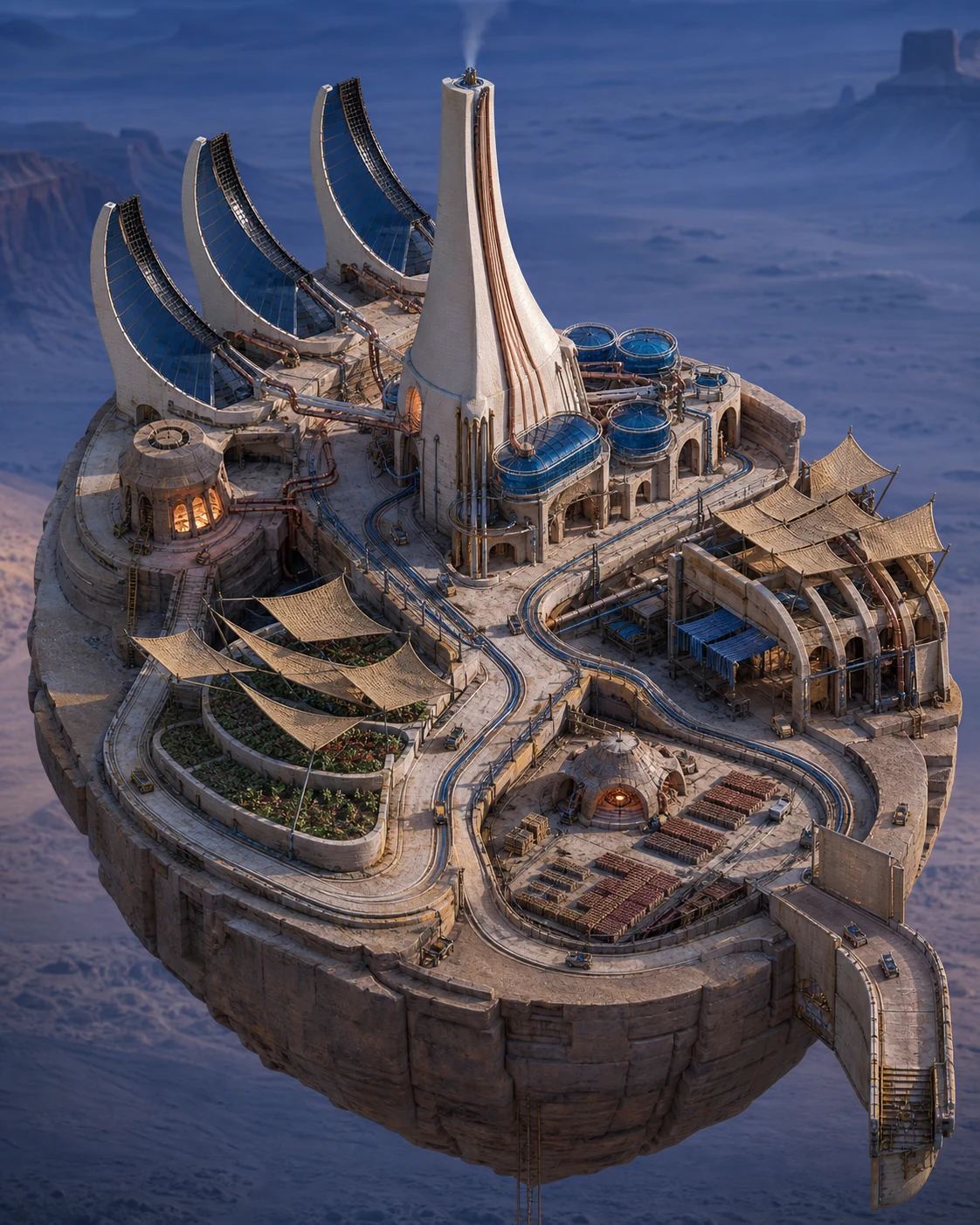 Generated example
Sunloom desert water foundry
Validates that three thermal collectors, condensation, storage, weaving, gardens, and mineral-brick curing retain continuous function and credible support at blue hour.
View full image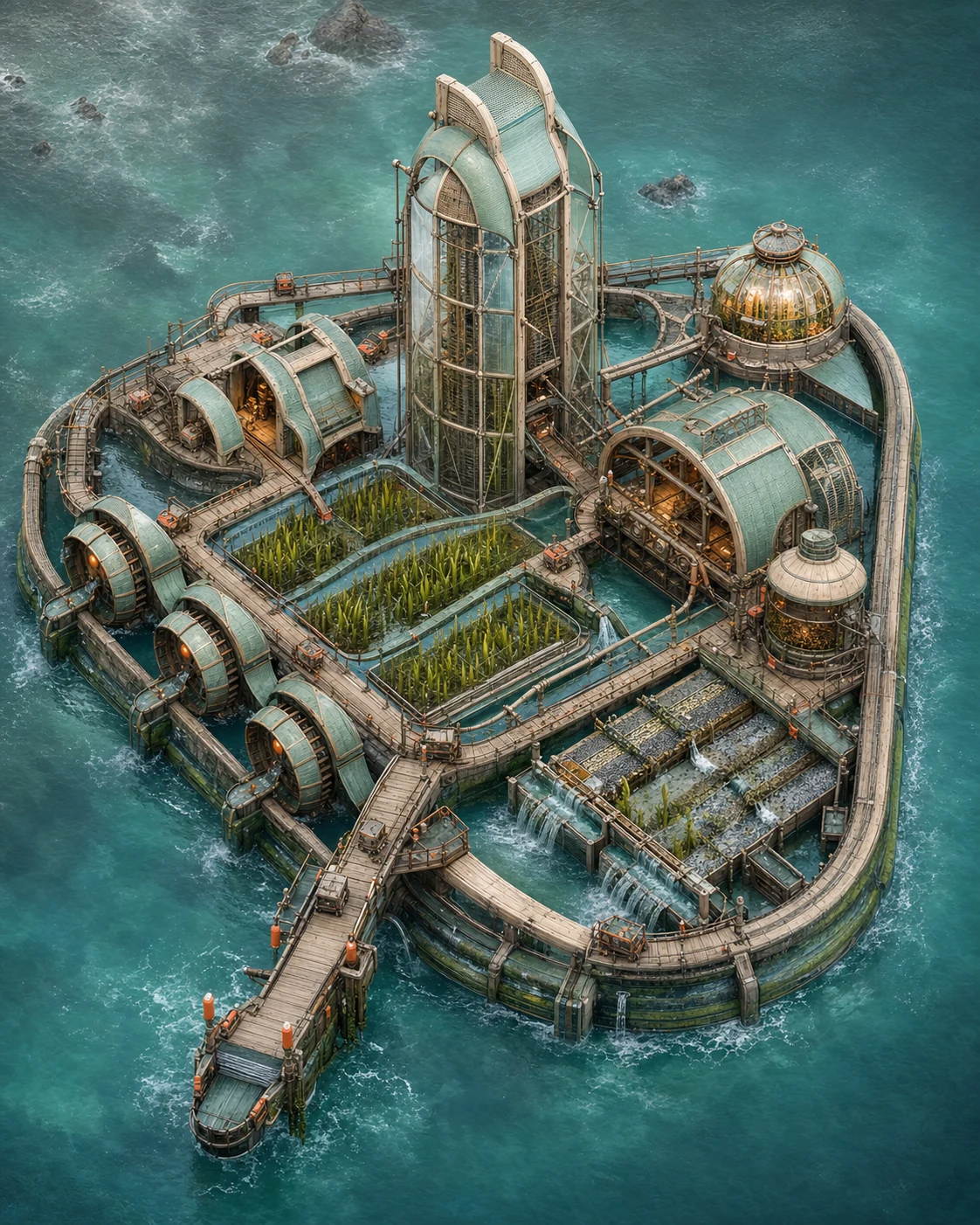 Generated example
Tideglass kelp atelier
Validates that three tidal wheels, kelp beds, the drying tower, weaving atelier, wetland filters, and return cascades stay traceable in a salt-wet marine setting.
View full imageReference images were generated for AI Prompt Card. Results vary by model, settings, seed, and the details you provide.
From visual idea to usable image
- 1
Add details when useful
The prompt works without a form. Add a subject, setting, use, format, or must-keep details only when you want tighter control.
- 2
Generate and inspect
Run the prompt, then check composition, light, anatomy, text, reflections, and spatial relationships.
- 3
Change one variable at a time
Hold the subject and setting steady, then adjust one major variable such as camera, light, or visual treatment.
What a reliable image prompt controls
Subject and action
Define the central object, pose, orientation, expression, and relationship to other objects.
Setting and space
Describe foreground, middle ground, background, place, time, and plausible environmental elements.
Composition and camera
Control shot size, subject placement, viewpoint, lens feel, depth of field, negative space, and output format.
Light, material, and color
Keep light direction, shadow, reflection, material, and palette physically and visually consistent.
Negative constraints and boundaries
State prohibited objects, errors, brands, identity copying, watermarks, garbled text, and inconsistent elements.
Frequently asked questions
Can I paste these prompts directly into an image generator?
Check the working-method label first. Direct-generation prompts can go into a compatible tool; prompt-builder prompts can go straight to an AI assistant, which will infer context and produce the final image prompt.
Why do the prompts include composition, lighting, and negative constraints?
Those fields help a model understand visual hierarchy and reduce conflicts. Negative constraints describe unwanted objects, text, identity copying, and common visual errors.
What should I consider when using real people or reference images?
Confirm that you have the necessary rights and consent. Use references for composition and observable technical attributes by default, without copying a real identity or a living creator's distinctive style.
Inspiration source
This prompt is an original adaptation. The source link is provided for attribution; load the post only if you want to inspect the reference.
The X embed stays off until you choose to load it. Loading it may share your IP address and browser information with X.